

Glossary: Photography
White balance
A colour adjustment that accounts for lighting so neutral surfaces and other colours render as intended.
Definition
White balance is the camera or editing adjustment used to account for the colour of the light illuminating a scene. It helps render neutral surfaces without an unwanted colour cast while allowing deliberate warmth or coolness when appropriate.
How white balance works
Different light sources produce different colour distributions. Daylight, warm interior lamps and various LEDs can make the same surface record differently. Human vision adapts to many of these changes, but a camera needs an interpretation. White balance adjusts the relative colour channels so that a chosen neutral reference appears neutral in the rendered photograph.
Camera presets such as daylight, cloudy and tungsten provide convenient starting points. A Kelvin setting offers a temperature-based adjustment along a broadly blue-to-amber axis. In most camera controls, selecting a higher Kelvin value warms the rendered image, while a lower value cools it. This compensating behaviour can seem opposite to descriptions of the light source itself.
Temperature does not describe every colour cast. Tint adjustments address a broadly green-to-magenta difference that matters with many artificial sources. Two lights with the same stated colour temperature may still render surfaces differently because their spectra differ. White balance can align a neutral reference without making every material reproduce identically under those lights.
Why white balance matters
Unwanted casts can make skin look unhealthy, white clothing appear discoloured or a product seem unlike its real appearance. Consistency also matters across a sequence. If automatic white balance changes between nearly identical frames, editing a coherent set becomes harder. A fixed or custom setting can improve predictability when the illumination remains stable.
Neutrality is not always the creative goal. An evening interior may reasonably retain some warmth, and a shaded scene may benefit from a slightly cool atmosphere. The useful distinction is between a deliberate colour treatment and an accidental cast. Start with a reliable reference when possible, then make a controlled creative choice rather than correcting by habit.
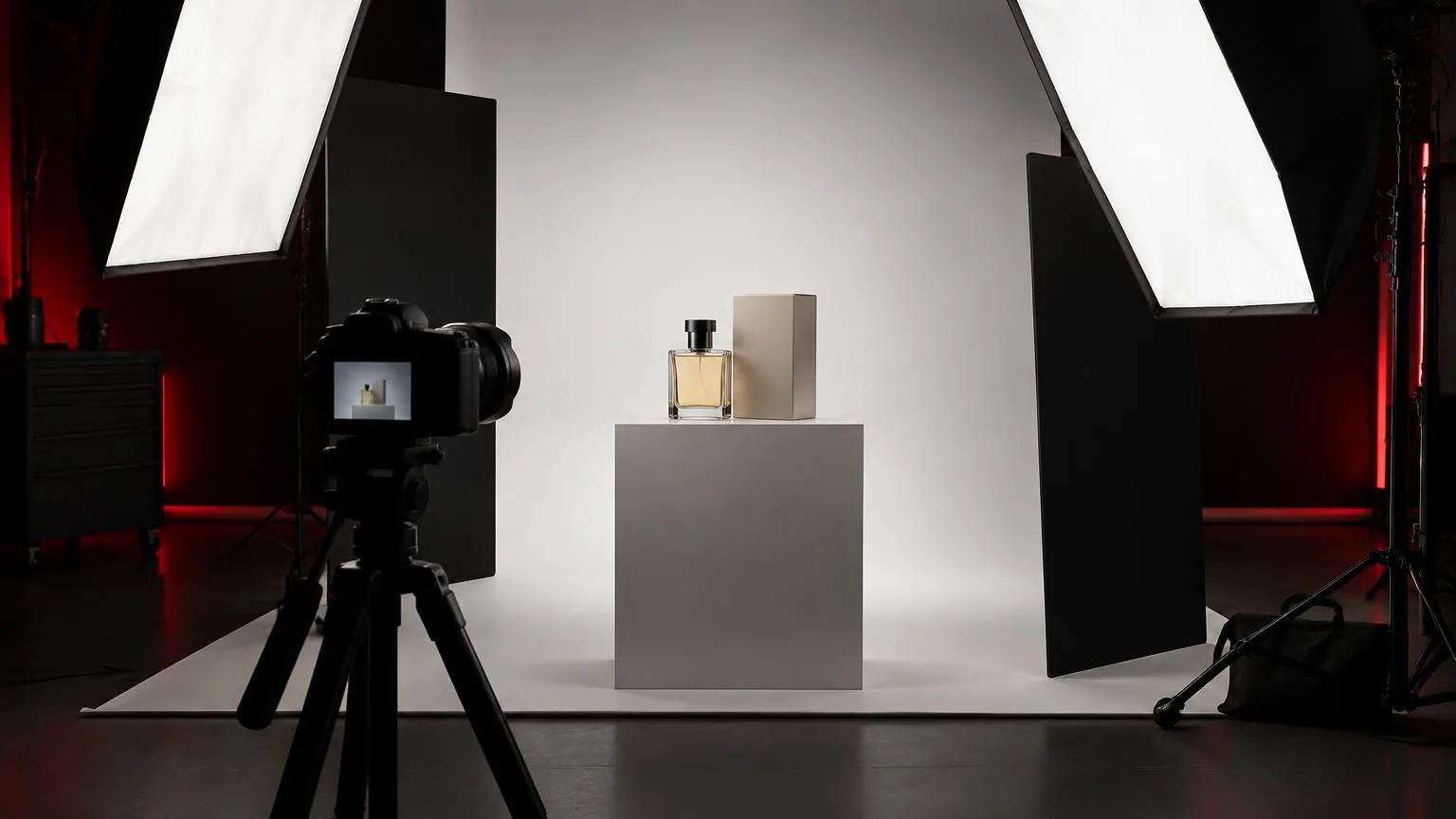
Accurate colour is especially important in product photography, where customers may need to judge materials or finishes. White balance is only one part of that process. Lighting quality, camera profiles, reflections, editing displays and export settings also matter. A neutral grey reference cannot compensate for every weakness elsewhere in the colour workflow.
Setting white balance and handling mixed light
- Place an appropriate neutral reference where the subject sits and illuminate it with the light that actually reaches the subject.
- Avoid reflections, deep shadow and clipping on the reference, since these can undermine the measurement.
- Set a custom camera balance or photograph the reference for adjustment during compatible RAW processing.
- Check skin and other meaningful colours after neutralising, rather than trusting the reference alone.
- Repeat the reference whenever the light source, subject position or lighting mixture changes substantially.
An ordinary sheet of paper is not always a reliable neutral target because coatings and brightening agents can affect its appearance. Use a suitable reference when colour consistency matters. Keep its angle representative of the subject's illumination; a card facing a different light may suggest a correction that does not suit the face or object.
Mixed light needs a physical strategy. If daylight reaches one side of a face and warm room light reaches the other, one global setting cannot neutralise both perfectly. Reposition the subject, reduce an unwanted source or match the controlled key light where practical. Local editing can help, but overlapping colours remain difficult.
Practical example in a Dubai office
A photographer prepares portraits in a Dubai office with large windows and warm ceiling fixtures. The first test shows a cool window-facing cheek and a warmer opposite cheek. Automatic white balance changes the overall image but cannot remove the split. The photographer recognises that the problem is the mixture of illumination, not merely an incorrect preset.
With permission, the photographer reduces the competing ceiling light near the portrait position and moves the subject so the window provides more consistent illumination. If an additional light is used, its colour is assessed against the window light. A neutral reference is photographed at the face position, followed by a test that checks skin, clothing and the background together.
The camera setting is then kept consistent for that portrait series. Recording in RAW format allows careful refinement later, but the improved lighting arrangement does most of the difficult work. When moving deeper into the office, the photographer captures another reference instead of assuming that the earlier balance remains appropriate everywhere.
Common white balance mistakes
- Expecting one global adjustment to neutralise several differently coloured light sources ignores how they fall across the subject.
- Using a reference outside the subject's illumination can create a correction for the wrong light.
- Confusing the light source's Kelvin description with the camera's compensating adjustment can lead to changes in the wrong direction.
- Neutralising every warm scene completely may remove an intentional or believable atmosphere.
- Trusting an uncalibrated display or coloured viewing environment can make a reasonable correction appear wrong.
Review colour under reasonably controlled viewing conditions and compare related photographs together. Avoid making large corrections solely from memory, especially for unfamiliar materials. If a particular surface still looks wrong after neutral balance, investigate spectral lighting limitations, reflections and the camera profile rather than repeatedly shifting the whole photograph away from neutral.
Frequently asked questions
Should I use automatic white balance?
It is useful when light changes quickly and exact consistency is less critical. For controlled sequences, a fixed or custom setting can reduce frame-to-frame variation and simplify editing.
Does higher Kelvin make the photograph warmer?
In typical camera white balance controls, yes. Selecting a higher value applies a warmer compensation. This should not be confused with how higher-temperature light sources are described as bluer.
Can I correct white balance after capture?
RAW files usually allow substantial adjustment during conversion. JPEGs can also be corrected, but strong changes may reveal limitations from prior rendering, compression or clipped colour channels.
Why does white look right while skin still looks strange?
A neutral reference does not guarantee faithful rendering of every colour. Mixed illumination, uneven spectra, reflections and camera profiles can affect skin differently from the reference surface.
Is white balance the same as colour grading?
No. White balance primarily accounts for illumination and neutral rendering. Colour grading is broader creative treatment of colour and tone, though the two adjustments can interact within an editing workflow.
Book a photo production
Studio and on-location photography for portraits, products, corporate teams and events.
Photo production