

Glossary: Podcasting
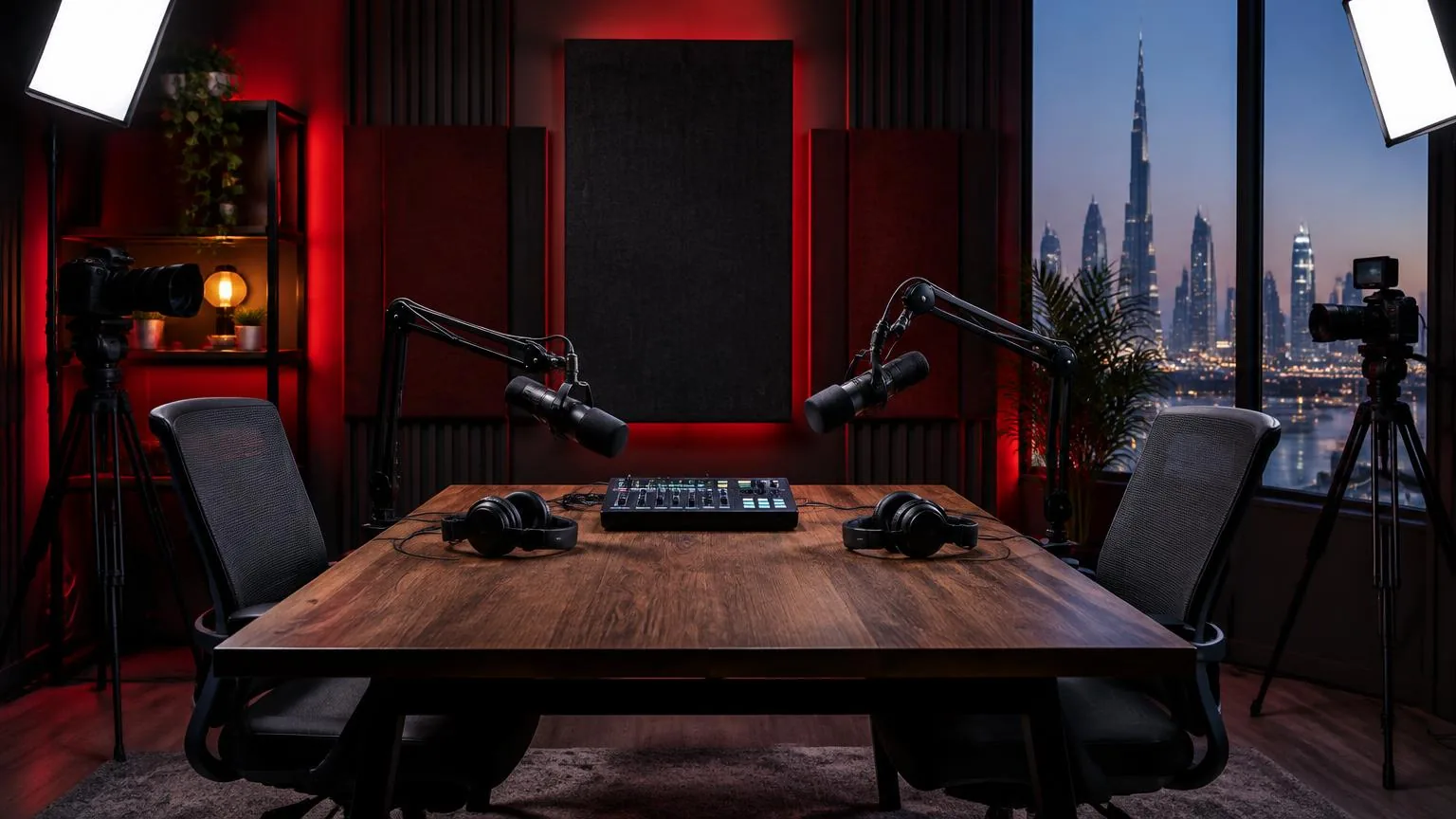
Podcast microphone
A microphone selected and positioned to capture spoken podcast voices clearly and consistently.
Definition
A podcast microphone converts a speaker's voice into an electrical or digital signal for recording or transmission. The term describes its application rather than a separate microphone technology, so suitability depends on the voice, room, pickup pattern, connection and recording workflow.
Choose for the voice and the room
A microphone cannot distinguish an important sentence from an unwanted sound simply because it is sold for podcasting. It responds to sound arriving at its capsule according to its design and directional behaviour. Room reflections, computer fans and nearby speakers can therefore become part of the recording. Close, consistent placement often matters more than a complicated feature list.
Both dynamic and condenser microphones can record spoken programmes. A dynamic microphone may suit a particular voice and working distance, while a condenser may suit another setup. Neither category guarantees a quiet recording or a particular tonal result. Compare suitable options using the same speaker, similar placement and matched playback levels.
Consider practical handling as well. A guest who turns frequently toward a co-host needs a forgiving arrangement and clear guidance. A visually discreet microphone may create placement compromises. The right choice supports natural conversation without demanding that an inexperienced guest remain unnaturally still throughout the programme.
Understand connections and power
An analogue microphone usually connects to a microphone input on an interface, mixer or recorder. A USB microphone includes conversion and connects directly to a compatible device. These are signal-path differences, not reliable rankings of recording quality. Check input availability, monitoring, software compatibility and how additional guests will be recorded before choosing a connection.
| Feature | What to establish |
|---|---|
| Analogue output | Whether the receiving input provides the appropriate connection and microphone gain. |
| USB output | Whether the intended computer and application support the required recording arrangement. |
| Phantom power | Whether the specific microphone requires it and whether connected equipment is compatible. |
| Headphone output | Whether monitoring is direct, software-based or a blend, and which sources are audible. |
| Mute control | Whether muting affects the recorded signal, the call feed or both. |
Follow equipment instructions when connecting and powering microphones. Do not assume that several independent USB devices will behave like a synchronized multichannel recorder. Test the complete configuration for routing, stability and timing before inviting guests.
Position the microphone for intelligible speech
First identify the intended speaking side or end. A side-address microphone may look similar to an end-address model while requiring a different orientation. Start with the manufacturer's guidance, then listen while adjusting distance and angle. The goal is a clear voice with manageable breath noise, mouth sounds and tonal changes during ordinary movement.
Directional microphones respond differently to sound from different angles. Place unwanted sources toward a useful rejection direction where practical, but remember that reflected sound arrives from several directions. Getting closer can improve the balance of voice to room sound, although some directional designs become more bass-heavy at close distances. Too little distance can also exaggerate plosives.
- Use a suitable pop filter or windscreen when breath bursts disturb the recording.
- Place the microphone slightly away from the direct breath stream if this preserves vocal clarity.
- Adjust the stand to the guest rather than asking the guest to lean forward continuously.
- Keep notes and drinks outside the main gesture area to reduce accidental bumps.
- Ask the speaker to turn their body with the microphone relationship in mind, rather than addressing a distant camera.
Set gain using actual speech
Input gain controls how strongly the microphone signal enters the recording chain. Set it with the participant speaking at a realistic level, then ask for a more animated line or laugh. Leave headroom rather than trying to make every peak approach the digital ceiling. Clipping can damage important syllables and may not be repairable convincingly.
Listen as well as watching meters. A channel can show activity while capturing the wrong input, electrical interference or excessive room sound. Headphone loudness is not the same as recording level, so do not change microphone gain merely because one listener wants louder headphones. Check the monitoring path and adjust it independently where the equipment allows.
A short saved test exposes problems that live monitoring may hide. Play it back and compare speech, pauses and enthusiastic delivery. If there is hiss, investigate placement, source level and the recording chain before adding processing. The noise floor provides context for how clearly quiet details sit above the background.
Manage shared rooms and guest handling
In a panel, each microphone may also capture the other speakers. Greater separation and sensible orientation can help, but aggressive gating can cut off reactions or make room sound jump between channels. Test the whole group speaking and laughing together. Keep unused microphones under control through an intentional mix rather than assuming separate tracks eliminate spill.
Explain handling before recording: where to speak, what the mute button does and whom to tell if headphones become uncomfortable. Ask permission before adjusting equipment close to a guest's face or clothing. Follow manufacturer-compatible cleaning practices between users, and avoid applying liquids directly to capsules or electrical connections.
A hypothetical Abu Dhabi interview might include a guest who prefers to stand. Adjusting the stand and camera composition can preserve their comfort without abandoning a consistent speaking distance. Record a new test after the change, because a different position may alter reflections and background pickup.
Make recording status clear
A muted call is not necessarily a stopped local recording. Explain which controls affect which destinations, and confirm recording permission before testing personal conversation. After the session, stop every active recorder and identify who holds the files. Within a podcast studio, clear operating habits protect both reliable sound and guests' expectations about privacy.
Frequently asked questions
Is a condenser microphone always too sensitive for podcasting?
No. Sensitivity describes electrical output for a given sound pressure, not an automatic inability to record in ordinary rooms. Pickup pattern, placement, room conditions and gain all affect the result. Test the complete setup rather than excluding a category.
Will a directional microphone remove background noise?
No. It can reduce pickup from certain directions, with behaviour that varies by frequency and model. Noise arriving from the speaking direction or reflected around the room can still be recorded, so source control remains important.
How close should a speaker be?
There is no universal distance. Start with the microphone's intended technique, then adjust while listening for clarity, plosives and tonal balance. Choose a distance the guest can maintain comfortably during normal speech and occasional movement.
Does a microphone need phantom power?
Some microphones require phantom power, while many do not. Check the specific documentation and the connected signal chain. Do not infer power requirements from appearance, connector shape or the general fact that a microphone is used for podcasts.
Can editing rescue poor microphone placement?
Editing can improve some imbalances and distractions, but distant, reverberant or clipped speech may remain compromised. A short placement test before the interview usually offers more control than trying to rebuild missing clarity after recording.
Record your podcast
Multi-mic podcast and interview recording with optional video at our Abu Dhabi studio.
Podcast studio in Abu Dhabi