

Glossary: Podcasting
Noise floor
The underlying level of unwanted sound or electrical noise beneath the intended audio signal.
Definition
Noise floor is the underlying level of unwanted sound or electrical noise present in a recording or audio system when the intended signal is absent. In podcast work, it can include room ambience, equipment noise and recording-chain noise, with its audibility depending on the voice level and later processing.
Understand what sits beneath the voice
When a speaker pauses, the recording rarely becomes absolute silence. Ventilation, distant activity, microphone self-noise and electronic hiss may remain. Together they create a background against which quieter details must be heard. A steady background may be unobtrusive, while changing noise can draw attention even if its average level is relatively low.
The term is used in both acoustic and electronic contexts, so always identify what is being assessed. A room's background sound pressure level is not the same measurement as a digital file's level relative to full scale. Likewise, a microphone specification does not describe the complete result once a room, preamplifier and speaking distance are involved.
For podcasts, the useful question is whether the background distracts from speech or becomes disruptive after editing and level adjustment. A close, intelligible voice over mild steady ambience can be more usable than a distant voice recorded in a superficially quieter room.
Assess the background under realistic conditions
Record a short pause with the intended microphone position, input gain, ventilation and equipment running normally. Ask participants to remain settled rather than leave the room, since occupancy changes the acoustic conditions. Capture normal speech immediately before or after the pause so the background can be judged relative to the actual programme.
Use both listening and measurement. A meter reading depends on its scale, averaging behaviour and the selected time range. A brief peak from a chair movement is not the same as continuous hiss. A spectrum display can help reveal a narrow hum or broad noise, but it does not decide whether the recording sounds acceptable.
- Use the same gain and microphone placement when comparing possible room arrangements.
- Keep headphone playback at a sensible, repeatable level rather than raising it until every noise seems severe.
- Check whether automatic gain, gating or noise suppression is altering the sample.
- Document whether a reading comes from an untreated recording or a processed export.
- Listen to quiet speech as well as pauses, because intelligibility is the practical concern.
Trace the source before changing settings
Change one variable at a time and make short comparison recordings. If moving the microphone changes the noise strongly, an acoustic source may be involved. If the noise persists independently of room activity, investigate the signal chain methodically. Avoid assuming that every low-frequency sound is electrical hum or that every hiss comes from the microphone.
| Possible source | Practical investigation |
|---|---|
| Ventilation or nearby equipment | Listen at different positions and compare with safe, authorized operating changes. |
| Traffic or neighbouring activity | Check recording times, openings and whether the sound is intermittent. |
| Stand or table vibration | Compare a carefully isolated support position and avoid touching the setup during tests. |
| Cable or connection problem | Inspect and substitute appropriate components with monitoring levels reduced. |
| Microphone and input electronics | Compare known working components under controlled conditions and suitable gain settings. |
An audio interface is only one part of the chain. Follow documentation when troubleshooting powered connections, and never defeat protective electrical grounding to chase hum. Electrical faults or uncertain power arrangements require competent assistance rather than improvised modifications.
Improve the voice-to-noise relationship
Appropriate microphone placement often improves the relationship between direct speech and background sound. Move within the microphone's useful working range while checking plosives, tone and guest comfort. Turning up input gain alone usually raises both the wanted signal and noise already present at that point; it does not make a distant voice acoustically closer.
Source control can be more effective than processing. Move an unnecessarily noisy computer away from the microphone, prevent cable contact with a vibrating surface or schedule around predictable activity. Do not block required ventilation, cover equipment cooling openings or interfere with building systems. Any room changes must preserve safe operation and suitable conditions for occupants.
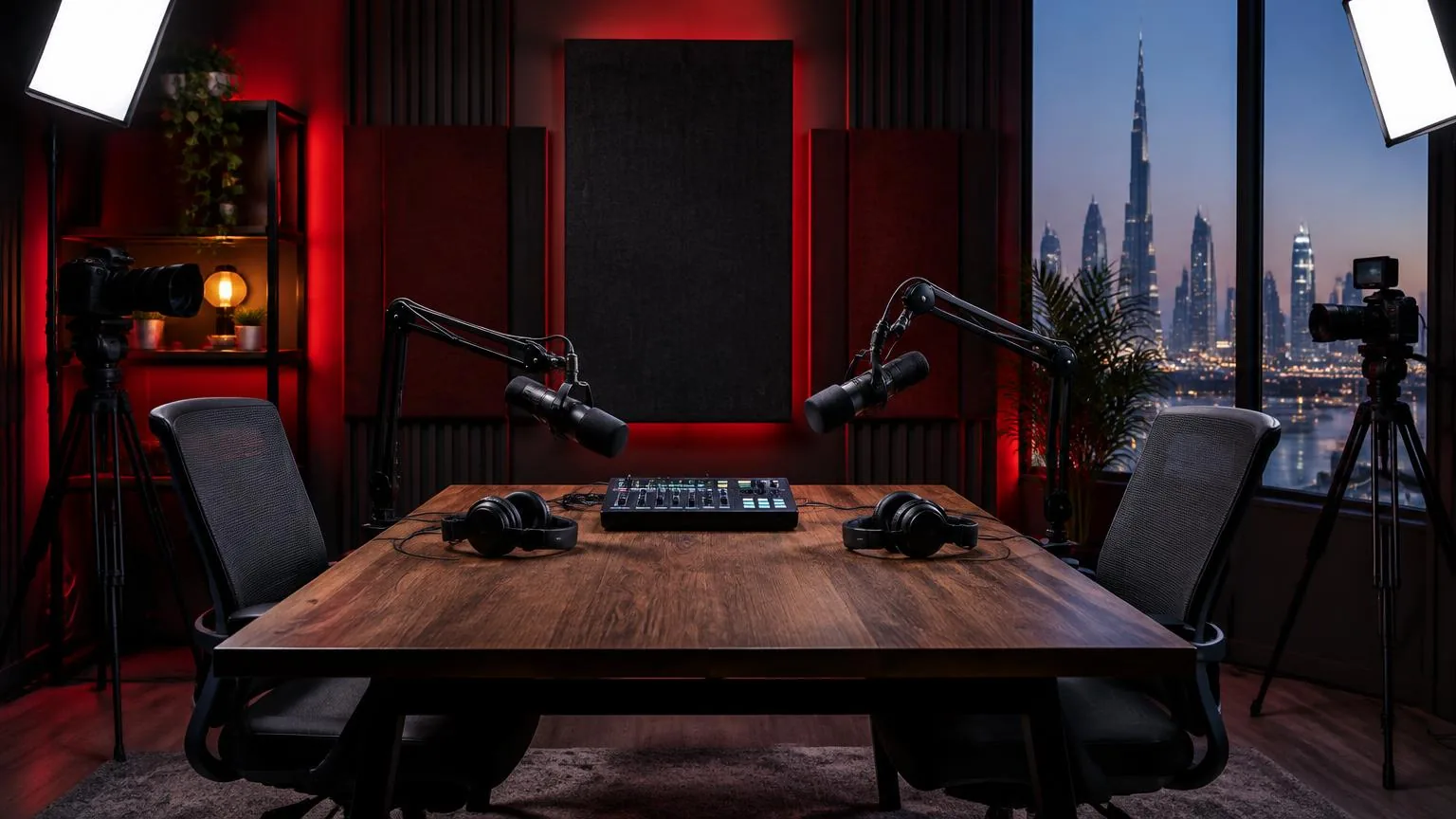
In a hypothetical Abu Dhabi office interview, ventilation might remain audible during pauses. The team could test another microphone position, a quieter approved room or a different recording time. Disabling cooling for a long session should not be treated as the default solution. A short comparison recording helps choose a workable compromise.
Understand what processing can and cannot do
Compression and later level increases can make previously unobtrusive noise more noticeable. A gate reduces or mutes audio below a threshold, but it does not remove noise beneath active speech. If set aggressively, it can cut off soft syllables or make the background switch unnaturally between words.
Noise reduction may help with some steady backgrounds, but stronger settings can damage consonants or create watery textures. Evaluate the result across the whole voice range and compare at matched loudness. Avoid treating a visually flat waveform between sentences as the objective; natural continuity and intelligibility matter more than empty-looking gaps.
During audio editing, compatible room tone can smooth transitions between takes. Keep it representative of the actual recording conditions. A sample from another room or a different microphone position may make the join more obvious, especially when the underlying background changes abruptly.
Capture room tone without collecting private conversation
Explain that a short ambience sample is being recorded and ask people not to speak during it. Listen for names, notifications or neighbouring conversations before sharing the file. Recording permission for the interview does not automatically cover unrelated people audible nearby. In a podcast studio, label room tone by session and setup, restrict access with the other recordings and follow the agreed retention policy.
Frequently asked questions
Is a lower noise floor always better?
A lower unwanted background generally provides more room for quiet detail, but it is not the only measure of recording quality. Natural speech, consistent tone and freedom from distortion matter too. Aggressive processing can sound worse than a modest steady background.
Is noise floor the same as room tone?
No. Noise floor describes an underlying noise level, while room tone is a recording of the environment without deliberate performance. Room tone can contain the background being assessed, but it is an audio sample rather than a level specification.
Why does noise become louder after editing?
Level increases, compression and joining differently recorded segments can expose noise that was less noticeable before. The source may not have changed; the relationship between speech, background and playback level has changed. Check the full processing chain.
Can one target number define an acceptable recording?
Not reliably without a measurement method and programme context. Meter type, bandwidth, reference scale, gain and speech level affect interpretation. Assess a representative passage and the intended delivery requirements instead of comparing unexplained numbers from different systems.
Should all background sound be removed?
No. Some ambience supports a natural sense of place, and removal may damage speech. Reduce distractions where practical, but judge the result by listening. If noise obscures important information, consider a pickup or a different recording arrangement.
Record your podcast
Multi-mic podcast and interview recording with optional video at our Abu Dhabi studio.
Podcast studio in Abu Dhabi