

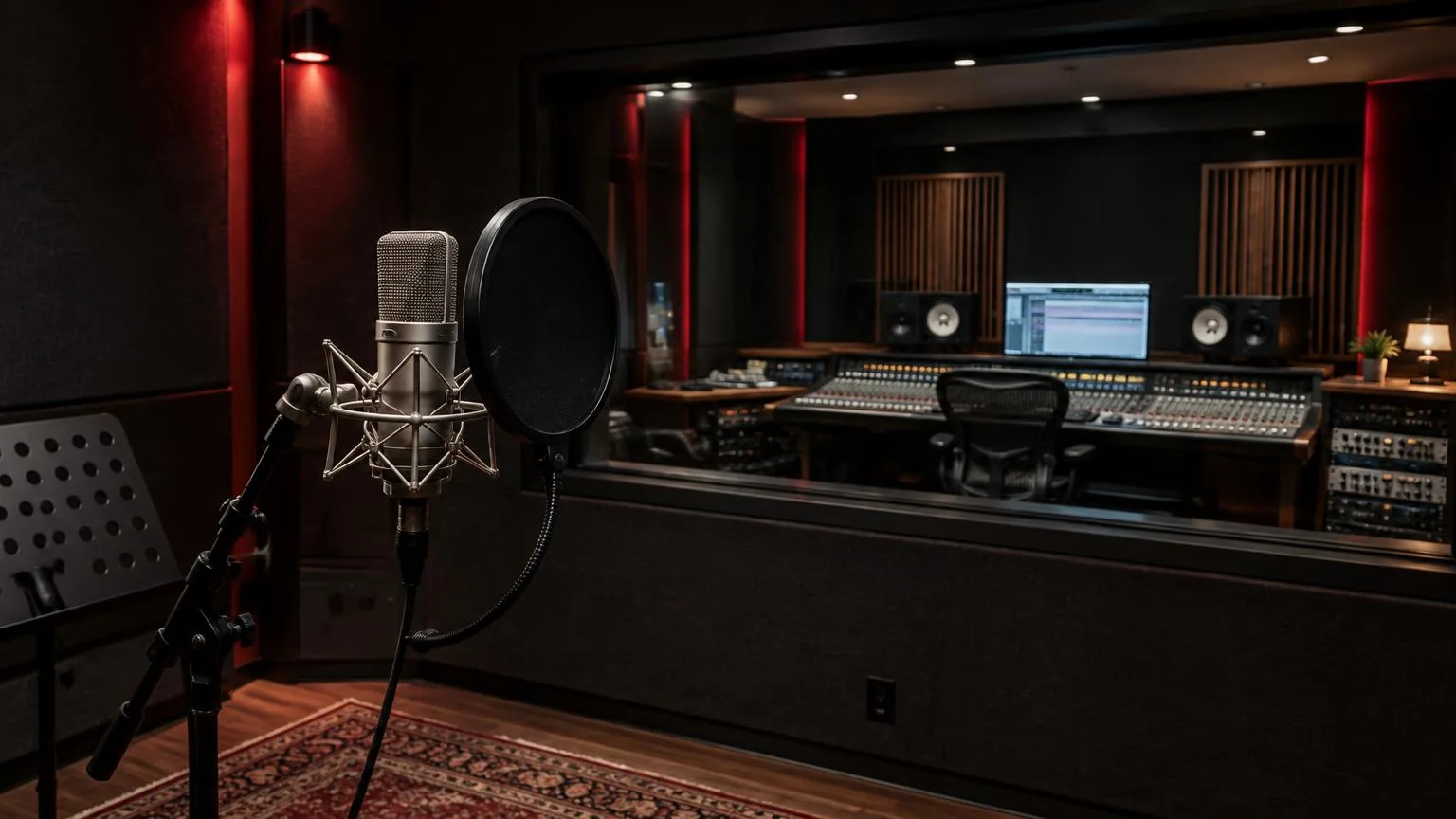
Glossary: Recording and production
Audio interface
Hardware that converts audio between analogue equipment and a computer-based recording system.
Definition
An audio interface transfers sound between microphones, instruments, loudspeakers and a computer, usually converting analogue signals to digital data and back. It provides the physical connections and audio driver through which recording software captures and plays sound.
How it works
A microphone produces a small analogue voltage. An interface microphone input normally sends that voltage through a preamplifier before an analogue-to-digital converter measures it. The resulting samples travel to the computer over a connection such as USB or Thunderbolt. On playback, a digital-to-analogue converter reconstructs an electrical signal for the monitor outputs or headphone amplifier. Conversion and amplification are distinct jobs, even when they share one enclosure.
Inputs are not interchangeable simply because a plug fits. A microphone input expects a different level and electrical load from a line input or a high-impedance instrument input. A combination socket may accept several connector types while using different circuits for each. Check its selected mode before connecting a synthesizer, guitar or external preamp. A line output connected to a microphone input can overload the input unnecessarily.
The driver presents available channels to the recording application. Physical input one must be assigned to the intended software track, and the application's output must reach the correct monitor pair. An interface's control application may also contain a separate mixer, so the route heard in headphones can differ from the route being recorded.
Why it matters
An interface defines how many sources can be captured independently and how performers hear themselves. Two microphone sockets cannot record a full drum setup as separate close microphones without additional equipment. Conversely, buying many unused channels does not improve a single spoken-word recording by itself. Start with the actual session: source types, simultaneous channel count, headphone requirements and any planned expansion.
Monitoring deserves the same attention as recording. A vocalist may need an independent headphone balance while the engineer listens to the control-room speakers. Some interfaces provide multiple sockets that share one mix, rather than genuinely independent cue outputs. Read routing capabilities carefully instead of treating the connector count as the whole specification.
Stable operation also matters more than a headline connection speed. Operating-system support, driver compatibility and reliable clocking determine whether the session runs without interruptions. The connection protocol alone does not predict end-to-end audio latency. Buffer settings, conversion delays and software processing all contribute to what a musician hears while performing.
Routing and monitoring
Direct monitoring routes an input to an output inside the interface rather than through the recording software's full processing path. It usually reduces monitoring delay substantially, but may not include the software effects the performer expects. Software monitoring allows those effects to be heard, provided the system can process them reliably at the chosen buffer size. Decide which path is active before asking a musician to judge timing.
If both paths are open, a performer may hear a doubled voice or a hollow, phasey sound. Muting one monitor path normally resolves this without changing the recorded file. Test with a short spoken phrase and trace the headphone mix separately from the recording track. Record-enable and input-monitor buttons can behave differently across applications.
Where digital expansion is available, confirm both format and clock arrangement. Optical connectors can carry different protocols, and supported channel counts may change with sample rate. One appropriate clock source must govern the connected digital devices. Random clicks may indicate clock disagreement, but cables, buffer underruns and damaged source material should also be investigated rather than assuming every click has the same cause.
Practical example
For a vocal and guitar session in Abu Dhabi, the engineer needs two microphone inputs and a comfortable headphone feed. Before the artist arrives, the engineer creates two mono tracks, names the input assignments and checks that playback reaches the monitor speakers. A short test recording confirms that each microphone lands on its intended track rather than being combined into one stereo file.
The singer uses a condenser microphone, so the engineer checks its power requirements and the connected equipment before enabling phantom power. Monitoring is lowered during connection changes. The guitarist's loudest passage is used to establish a conservative input level, leaving space for a more energetic real take. The headphone mix is then adjusted without changing the recorded input gain.
If the singer notices a delay, the engineer first checks whether software and direct monitoring are both active. The selected route is simplified, and a brief performance test verifies comfort. After recording, the engineer listens back to the actual files, not merely the live input, ensuring that routing, noise and channel assignments survived the entire capture process.
Common mistakes
- Choosing an interface only by advertised resolution overlooks microphone gain range, headphone performance and the number of independent outputs. Match the equipment to the sources and monitoring plan, then assess specifications in that context.
- Turning up input gain to make headphones louder risks clipping the recording. Adjust the cue mix or headphone amplifier instead. Input level and listening level serve different purposes and should remain independently controllable.
- Assuming every socket works simultaneously can lead to missing channels. Some products share resources between inputs or disable certain connections in particular modes. Confirm the active configuration before building a recording template around it.
- Leaving speakers loud while changing connections can expose listeners to unexpected pops or feedback. Reduce monitoring first, make the change, then restore a sensible level while checking the route deliberately.
- Ignoring driver and operating-system compatibility until session day introduces avoidable uncertainty. Test the complete setup, including any adapters and expansion devices, with a recording long enough to reveal interruptions rather than relying on a momentary meter movement.
Frequently asked questions
Is an audio interface the same as a sound card?
They perform similar input and output functions. The term audio interface usually describes equipment designed for recording connections, flexible monitoring and dedicated drivers, often in an external enclosure.
Do I need an interface for a USB microphone?
Usually not for that microphone alone, because it already contains conversion and a computer connection. You may still need separate equipment for additional sources or more flexible headphone routing.
Does an interface improve every recording?
Not automatically. Microphone placement, room sound and performance remain important. An interface solves connection, conversion and monitoring needs; it cannot remove unwanted room reflections already captured by the microphone.
Can I connect studio monitors directly?
Active monitors can normally receive suitable line outputs. Passive loudspeakers require a power amplifier. Check connector format, operating level and balanced connection support in the equipment documentation.
Does direct monitoring mean absolutely zero latency?
It generally means a much shorter monitoring path than a software round trip. Digital internal mixers and conversion can still introduce some delay, so the phrase should not be interpreted as a universal physical guarantee.
Record with BarCoe Studios
From tracking to mixing and mastering, our Abu Dhabi studio handles the full audio production chain.
Audio production