

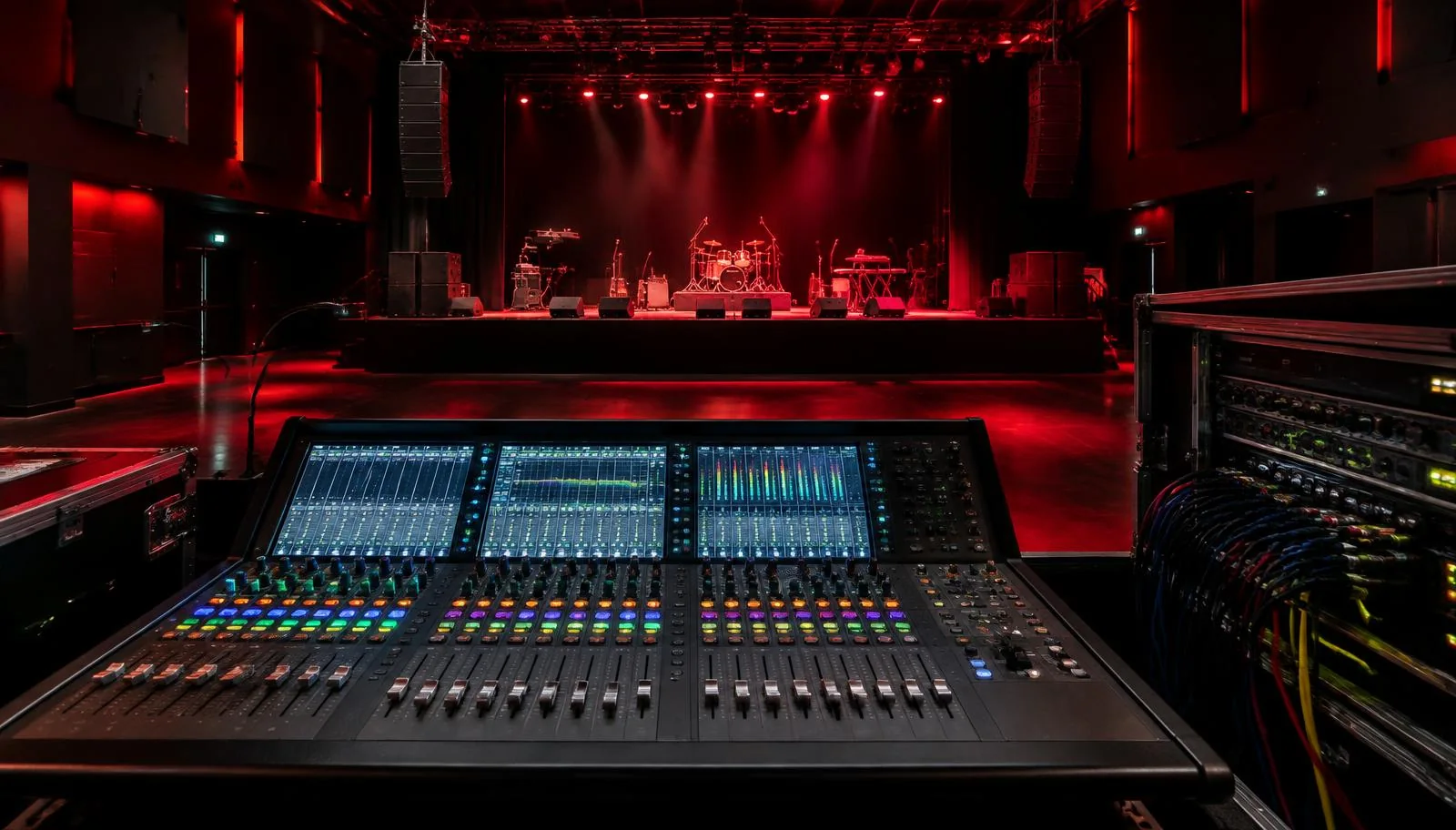
Glossary: Live sound
Digital mixer scenes
Stored console settings that recall selected parts of a live mix at a planned moment.
Definition
Digital mixer scenes are stored sets of console parameters that can be recalled to establish a particular operating state. What changes on recall depends on the console, the stored data and protections such as recall scope, filters and parameter safes.
How it works
A digital console represents many controls as data, including channel levels, processing, sends and routing. A scene stores some collection of that state for later recall. Recalling it tells the console to apply the included values, but not every desk stores or recalls the same parameters. Some separate global configuration, patching, preamp settings and processing presets from ordinary scene data. The manufacturer's scene model is therefore part of show preparation.
Recall scope defines which areas a particular recall may change. Safes or similar protections prevent chosen channels or parameters from being overwritten, although terminology and priority rules vary. A stored vocal fader value may exist in the scene while a safe prevents it from moving. Conversely, a routing parameter may change even when the operator is looking only at faders. Always verify the effective recall, not just the saved scene name.
Scene recall is not the same as continuously automated mixing. A scene normally establishes a state at a cue, sometimes with supported fade times or other transitions. It cannot determine whether a performer is ready, whether a microphone has moved or whether the new routing remains acoustically stable. The operator must understand the intended signal flow before trusting a transition.
Why it matters
Scenes can make a complex event manageable by recalling known starting points for different acts, speakers or musical numbers. They reduce the need to rebuild many settings by hand during short transitions. They also create a way to rehearse repeatable cues. The benefit comes from deliberate scope and documentation, not from saving a large number of snapshots and hoping the next one contains the right combination of values.
A scene can also restore an unwanted condition instantly. An old patch may route speech to the wrong destination, a forgotten mute may silence a microphone, or a preamp change may affect a shared system. Performer monitoring deserves particular care because a surprise change reaches people close to loudspeakers or wearing earpieces. Protecting a monitor mix requires checking actual send, master and output behavior, not merely locking one fader.
Scope, safes and stored state
| Parameter area | Potential recall effect | Preparation question |
|---|---|---|
| Input routing | A channel receives a different source | Should this patch change at this cue? |
| Preamp control | Input gain or phantom state may change | Is the hardware shared or protected? |
| Channel processing | Tone and dynamics return to saved values | Does the current performer match the saved setup? |
| Monitor sends | Performer levels change | Are these settings intentionally in scope? |
| Mutes and output levels | A destination opens or closes | Has the transition been tested safely? |
Use scene names that describe the event state and cue, not just the order in which files were saved. Keep a clear distinction between a working revision and a verified performance version. Saving a scene does not necessarily update every related scene, and editing a channel after recall does not guarantee that change will survive the next recall. Learn the desk's update, store and undo behavior before making hurried corrections.
Back up the complete show file to a suitable separate location and record any dependency on console model, firmware or external devices. A scene is not necessarily a complete portable backup. Before loading another show, establish what will happen to current routing and outputs. Keep the system at controlled levels during tests, and do not assume that a visually similar console supports identical scene parameters.
Practical example
At a Dubai event, the console alternates between a panel discussion, a live band and a playback-led presentation. The engineer prepares three clearly named scene states. The panel uses speech microphones, the band uses a larger input set, and the presentation needs stereo playback. Audience outputs remain under deliberate control while the technician rehearses each transition with the event caller.
- Start from a verified base file with correct physical patching and suitable gain staging for the connected sources.
- Define which channel mutes, processing settings and sends should change for each segment rather than including all parameters by default.
- Protect persistent announcement and monitoring paths where appropriate, checking the console's actual safe rules.
- Recall the scenes in performance order and inspect source assignments, mute states, output levels and any shared preamp changes.
- Save the tested revision, retain a separate backup and write a short recovery instruction for returning to a known speech configuration.
During rehearsal, a panel microphone unexpectedly returns to an earlier level. The engineer discovers that its fader was included in recall while only its processing had been protected. Correcting the scope resolves the cause. Simply pushing the fader back after every transition would leave the underlying risk in place and make the show dependent on repeated manual rescue.
Common mistakes
- Assuming every stored parameter will recall ignores safes, scope settings and parameters held outside ordinary scene memory.
- Protecting a channel fader while forgetting its sends, routing or preamp can leave important parts of the path exposed to change.
- Saving over the verified performance state during an experiment removes the easy route back to a known configuration.
- Rehearsing individual scenes but not transitions misses problems caused by moving from one state to the next.
- Loading a borrowed show file directly into a live system risks unexpected output levels, phantom settings and incompatible routing.
After a late adjustment, ask whether it belongs only to the current moment or to every later cue. Apply the change through the console's supported workflow, then verify affected recalls again. This keeps the show coherent without spreading an emergency fix into unrelated scenes. Good scene management is careful state control rather than an alternative to listening and operating the console.
Frequently asked questions
Does a scene save every console setting?
Not necessarily. Consoles differ in what belongs to a scene, a show file or global configuration. Check the specific system's documentation.
What is a recall safe?
It is a protection that prevents selected parameters or channels from changing during recall. Its interaction with scene scope depends on the console.
Can scenes change phantom power?
Some systems can include preamp or phantom settings in stored data. Confirm the behavior and protect connected equipment before testing recalls.
Should each song have a scene?
Only if the changes justify it and the cues can be managed reliably. A simpler scene structure may be safer for a less tightly rehearsed performance.
Is a scene a complete backup?
Usually not by itself. Preserve the appropriate full show file and any related configuration, while checking compatibility with the intended console and software version.
Learn live sound hands-on
Put these terms into practice on a real stage in Abu Dhabi, in short certificate courses for audio engineers and for artists.
Live sound course for engineers