

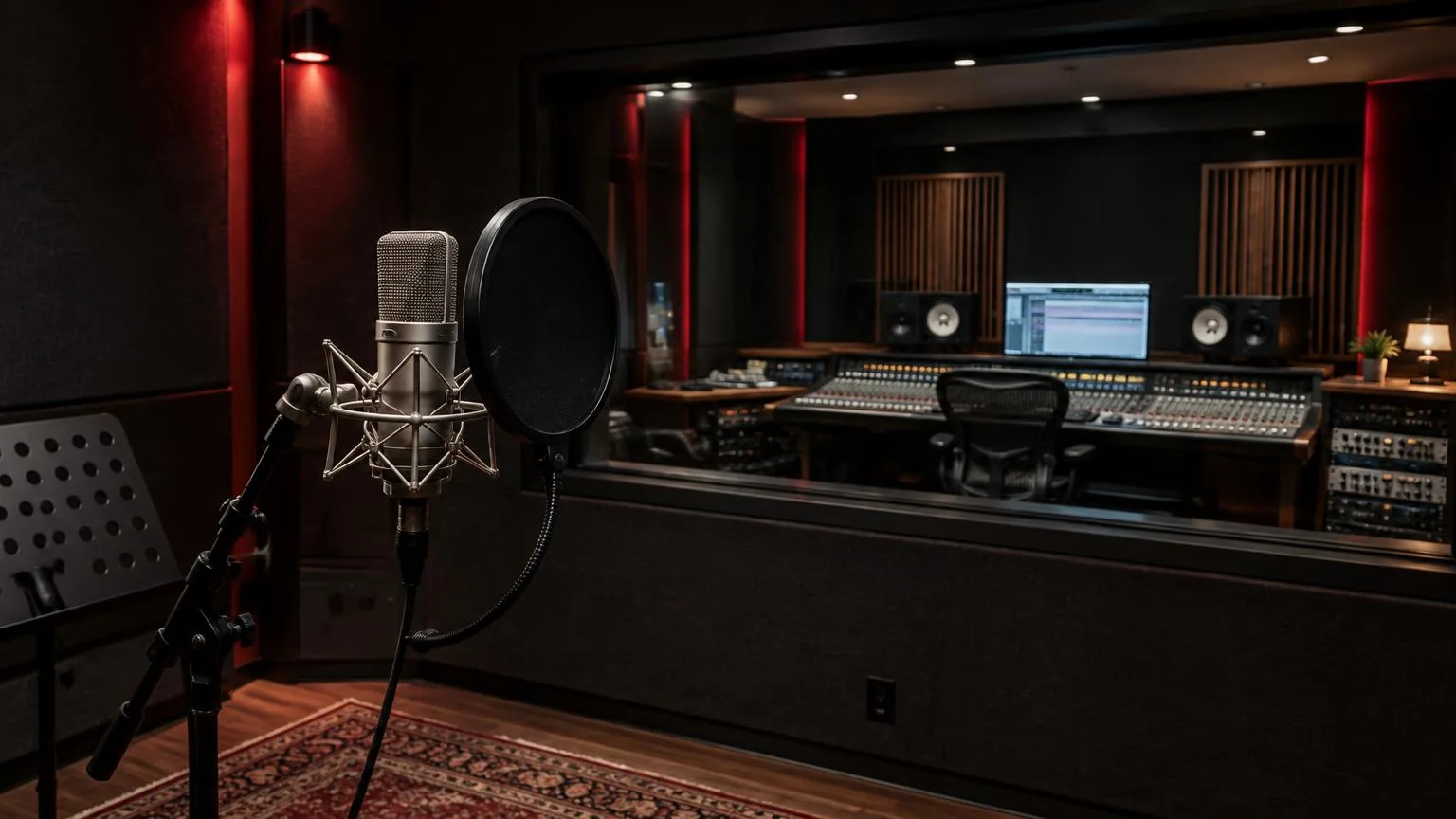
Glossary: Recording and production
DAW (digital audio workstation)
Software for recording, arranging, editing, processing and mixing digital audio.
Definition
A digital audio workstation, or DAW, is a software environment for recording, editing, arranging and mixing audio. It organizes media, tracks, routing and processing in a session so sound can be developed and exported as a finished file or set of deliverables.
How it works
A DAW receives audio from files, virtual instruments or connected recording hardware and places it on a timeline. Tracks provide a way to organize those sources, while clips or regions identify particular portions of media. Playback reads the arranged material and combines it through channels, buses and outputs according to the session routing and processing choices.
Recording a microphone normally requires an audio interface to convert its analog signal into digital samples. The DAW stores those samples as media files and displays their timing in the project. MIDI tracks work differently: they hold performance instructions such as note events, which an instrument must turn into sound. A MIDI region is not automatically a recording of that instrument's audio output.
Most current workstations use non-destructive editing for common operations. Trimming a region or moving its start point usually changes playback instructions rather than erasing the original recording. However, rendered processing, file replacement and cleanup commands can create irreversible consequences. Knowing which operations affect references and which affect source media is more useful than assuming every action can always be undone.
Why it matters
A DAW provides a repeatable working environment for performances, edits and mixes. Instead of committing every balance while recording, an engineer can retain separate sources and revisit decisions later. That flexibility makes clear organization important: a session with unnamed tracks and missing files is difficult to revise even when the software offers powerful editing and processing tools.
The workstation also coordinates time. Musical bars and beats support arrangement work, while minutes, seconds and timecode can support dialogue or picture-related production. The displayed grid does not make every recording rhythmically correct, and automatic tempo detection is not an artistic instruction. Choose a time reference that serves the material, then verify that imported media behaves as intended.
Reliability depends on more than the computer specification. Storage availability, driver compatibility, plugin versions and sensible buffer settings all affect the working session. A stable, documented setup is often preferable to adding another tool during a deadline. Save versions before major changes and keep a backup outside the active session drive so one damaged project does not remove the only usable copy.
Session structure
A session file commonly stores track layout, edit decisions, routing, automation and references to media. It may not contain the audio itself. Copying only the project document can therefore produce a session that opens with missing recordings. Use the workstation's supported collection or copy process, then verify the resulting folder on another location before treating it as a complete handover.
Set the project sample rate deliberately and check the rate of imported files. Proper conversion can adapt material from another rate, while merely relabelling a file can alter its playback speed or pitch. Also distinguish the recording format from internal processing precision and final export settings. These are related technical choices, but they are not interchangeable controls.
Monitoring involves a tradeoff between processing time and responsiveness. A smaller audio buffer can reduce software monitoring delay but increases the demand on the system. Larger buffers can suit mixing when immediate performer feedback is unnecessary. Direct hardware monitoring can provide an alternative recording path, although it may not include DAW effects. Avoid listening to both paths unintentionally, which can create distracting doubled or filtered sound.
Practical example
In a Dubai studio session, an engineer prepares a project for a vocalist singing over an existing instrumental. The instrumental is imported, checked for correct playback and labelled clearly. The engineer confirms the session format, creates a mono vocal track, assigns the intended interface input and sets up a headphone mix before the singer begins a full performance.
A brief test recording verifies level, routing and the actual file location. The engineer plays that recording back rather than relying only on live monitoring, because hearing the microphone does not prove that the correct track was captured. After several takes, alternate performances remain available in clearly identified lanes or playlists, and the preferred phrases are assembled without deleting the source material.
Before delivery, the engineer checks the export range and listens to the resulting file outside the workstation. A separate session copy gathers the required media for later revision. This workflow is not tied to a particular software brand: the important actions are verifying capture, preserving alternatives and confirming that the delivered files actually match the intended version.
Common mistakes
- Saving only the project document can leave recordings behind in another folder. Collect required media and verify the copy rather than assuming a small session file contains everything.
- Using track count as a measure of quality encourages unnecessary complexity. Add tracks when they serve a distinct recording, routing or arrangement purpose.
- Recording through an overloaded input cannot be repaired by lowering the DAW fader afterward. Check the hardware input and converter level before the signal reaches the recorded file.
- Installing unfamiliar plugins immediately before a session introduces compatibility and recall risks. Confirm availability and stability before depending on a processor in important work.
- Exporting without listening can miss a muted bus, wrong time range or unintended version. Review the actual rendered file on an appropriate playback path.
Keep a simple record of project versions, delivery names and decisions that affect future recall. A well-maintained multitrack recording should remain understandable to another engineer, not merely playable on its creator's current computer. Clear names, included media and documented dependencies preserve the value of the recorded performance.
Frequently asked questions
Is a DAW the same as an audio interface?
No. A DAW is software for working with audio, while an interface provides audio input and output hardware. They often operate together, but each performs a different job.
Can a DAW record without external hardware?
It can record from available built-in inputs or internal sources where supported. External microphones and instruments may require appropriate hardware for connection, gain, conversion and monitoring.
Are MIDI and audio tracks interchangeable?
No. MIDI stores instructions, while audio stores a sampled waveform. A virtual instrument can render MIDI into audio, but the two formats retain different editing possibilities.
Does every DAW sound different?
Routing, processing, pan laws and settings can produce differences. The software name alone does not establish a particular sound quality; compare equivalent signal paths and level-matched results.
What should I send to another engineer?
Agree on the required format first. A collected session, consolidated audio files or stems may be appropriate, with clear timing references, version labels and notes about essential processing.
Record with BarCoe Studios
From tracking to mixing and mastering, our Abu Dhabi studio handles the full audio production chain.
Audio production