

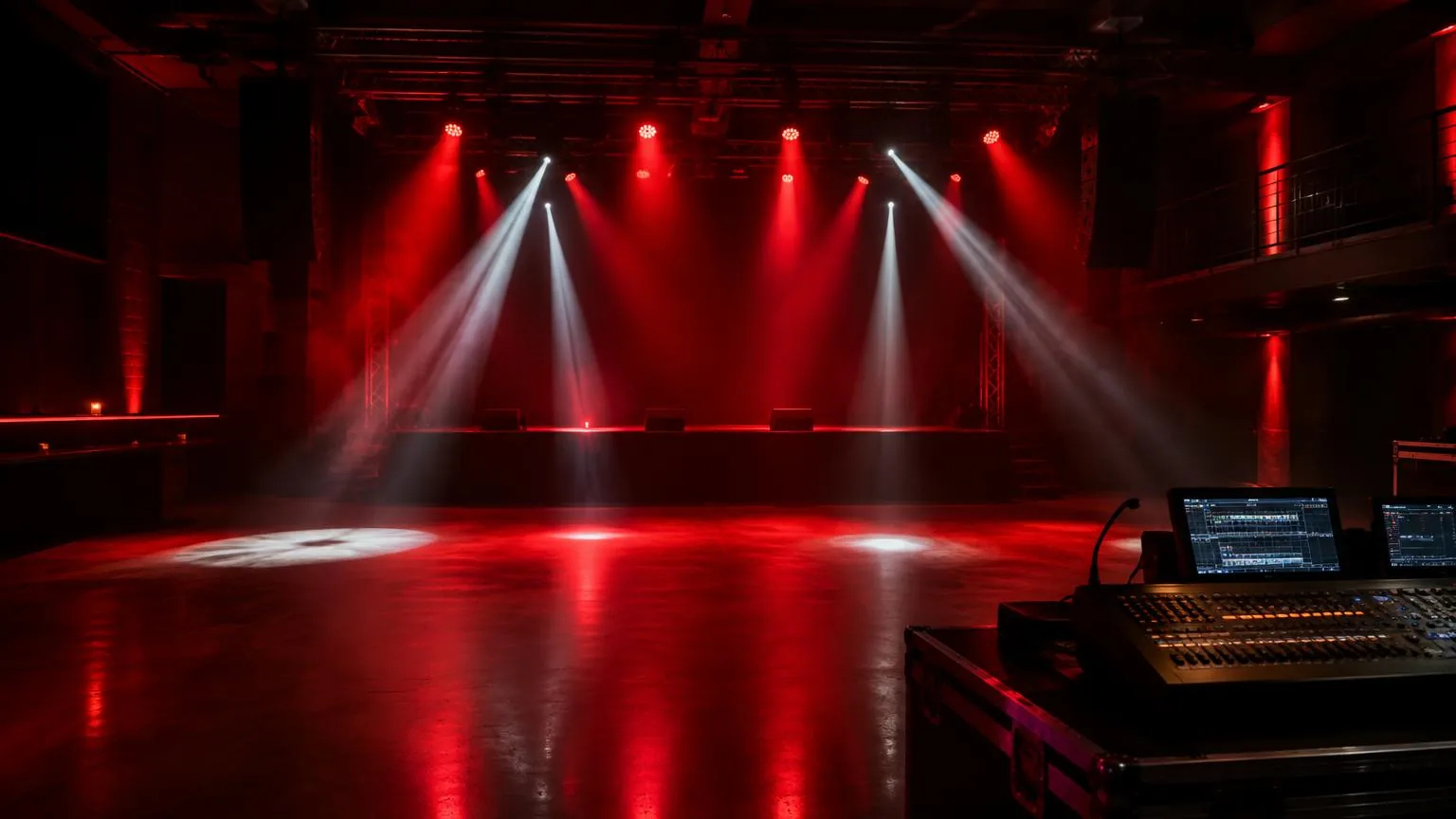
Glossary: Lighting and stage
Lighting console
The control system used to program, organize and play back lighting states during a production.
Definition
A lighting console is a hardware or software control system used to set fixture parameters, record lighting states and play them back during a production. It translates operator commands into control data while organizing fixtures, timing, effects and show structure.
From fixture patch to recorded playback
The console begins with a patch that describes the connected equipment. Each fixture receives an identity, a profile and a control destination. The profile tells the console which channels represent intensity, color, position, beam shaping and other functions. Accurate patching allows the operator to work with meaningful controls rather than remembering raw channel values for every fixture.
The operator selects fixtures and adjusts parameters in a working area often called the programmer. Those values can then be recorded into cues, presets or other playback objects. Terminology differs between console families, but the underlying distinction matters: temporary manual values are not necessarily part of the saved show. Clearing the programmer after recording helps reveal what the playback actually contains.
Output may leave through physical DMX ports or through a lighting network connected to nodes. Software running on a computer may also need licensed output hardware or processing capacity. Check the complete control system rather than assuming that installing an application provides every required output.
Why console organization affects the show
A well organized console makes repeatable changes possible under pressure. Named groups identify useful fixture selections, while position and color presets store reusable decisions. If a lectern moves during rehearsal, updating the relevant position preset can be more controlled than rebuilding every cue individually. The exact result depends on how references and cue data are handled by that console.
Playback structure should reflect the production. A tightly scripted presentation may suit a sequential cue list with clear operator notes. An unscripted music performance may need flexible playbacks for color, intensity and movement. Neither approach is inherently superior. A system becomes difficult when unrelated functions share controls or when important states depend on undocumented combinations of faders.
Operator visibility also matters. Screens should show the active cue, upcoming action and any manual overrides without requiring frantic menu changes. Label controls in language shared with the stage manager, so an instruction such as standby for awards has an unambiguous operational meaning.
Programming decisions to establish early
| Decision | Practical question |
|---|---|
| Cue behavior | Do unchanged values track forward or remain explicitly stored? |
| Playback priority | Which control wins when multiple playbacks affect one parameter? |
| Timing | Are fades, delays and movement times appropriate for the action? |
| Release behavior | What happens when a playback is stopped or its fader is lowered? |
| Backup | How will the show file and control system be recovered? |
Tracking consoles can carry values forward until a later instruction changes them. That is efficient, but an edit may influence more cues than expected. Review the affected sequence and use the platform's appropriate blocking, cue-only or tracking tools deliberately. Intensity and non-intensity parameters may also follow different priority rules, so learn how the console resolves competing instructions.
A lighting cue should be tested from its real predecessor, not only recalled in isolation. Position changes, color transitions and effect releases can behave differently depending on the previous state. Rehearse blackout recovery and emergency communication as operational procedures, without treating the console as a substitute for venue life-safety systems.
Example: an awards presentation in Abu Dhabi
For an awards presentation in Abu Dhabi, the operator separates presenter lighting, stage decoration and audience looks into clearly named groups. The running order includes walk-in, opening remarks, award announcements and photographs. Each section receives an appropriate playback structure, while the team keeps a usable neutral stage look available for schedule changes.
- Confirm the patch against installed fixtures and check that every parameter responds correctly before detailed programming.
- Build reusable positions and colors, then name cues according to recognizable stage actions rather than vague numerical notes.
- Rehearse presenter entrances, camera requirements and transitions with the stage manager using the actual calling language.
- Test manual intervention, including how the operator restores the programmed look after adjusting an unexpected speaker position.
- Save versioned show files to an approved backup location and record any changes made after the final rehearsal.
If a presentation runs longer than expected, the operator can hold the current state without allowing automatic effects to distract from the speaker. When the next action is called, a rehearsed transition replaces improvisation. This reliability comes from clear structure and practice, not simply from choosing a large console.
Common programming and playback mistakes
- Leaving temporary programmer values active can mask mistakes in recorded cues and confuse another operator.
- Recording every parameter into every playback can create unnecessary conflicts and make later edits difficult.
- Using unnamed presets and groups slows troubleshooting when equipment moves or a replacement operator takes over.
- Assuming a saved file includes network settings, external media and every dependency can leave a backup incomplete.
Before opening the room, clear temporary controls and run the show through its intended playback path. Check what happens when an effect stops, a cue is skipped or a fader is lowered. Keep a concise handover document covering output configuration, unusual priorities, recovery steps and the location of the latest verified show file.
Frequently asked questions
Is a lighting console the same as a dimmer?
No. The console generates control instructions. A dimmer regulates power to compatible loads, while many modern fixtures receive constant power and perform dimming internally in response to control data.
Can a laptop replace a hardware console?
It can run suitable control software, but reliable operation may require licensed outputs, interfaces, playback controls and backup planning. Assess the whole system, including ergonomics and recovery, rather than the software alone.
What is a fixture profile?
It is the console's description of a fixture's channel layout and functions. It must match the actual model and operating mode so readable controls generate the correct output values.
Why does a cue look different after editing another cue?
Tracking, shared presets or playback priorities may be carrying changes into it. Inspect the data relationships and test the sequence from its preceding state before assuming the fixture itself has failed.
Should every event use timecode?
No. Timecode can suit tightly synchronized material, but live speakers and changing schedules often need manual calls. Select the playback method that matches the production and rehearse a practical fallback.
Light your next show
Stage, sound and lighting for concerts and corporate events, planned and run by one team.
Music event management