

Blog / Uncategorized
Stage Lighting Basics: Wash, Spot, Beam and DMX
Stage lighting starts with three jobs: let the audience see the performers, direct attention and give each moment a useful mood. A wash covers an area, a spot emphasizes a person or place, and a beam creates a visible shaft of light. DMX is the control protocol commonly used to tell compatible fixtures what to do. For live events in Abu Dhabi and Dubai, the practical challenge is coordinating those tools with the stage plan, camera needs, power and show cues, not collecting the largest number of effects.
Begin with the audience and the programme
Before choosing fixtures, ask who must be visible and from where. A keynote speaker needs consistent facial light; a band may need separate looks for songs and transitions. A panel discussion with several people across a wide stage is different from a solo performance at center. Read the running order and mark entrances, walkways, set changes and camera positions. A lighting plan should support the people using the stage, including technicians who need safe light during a changeover.
Check the venue's available rigging, power, ceiling height and house lighting. Make sure the audience can still find aisles and exits when the stage becomes darker. If the event is filmed or streamed, coordinate colour and intensity with the camera team early. Dramatic red light can look exciting to an audience while making a speaker's face difficult to render on camera. Planning from the actual show format avoids discovering during rehearsal that the main presenter stands outside the best-lit area.
What a wash light does
A wash illuminates a broad surface or area with relatively even light. It can establish a base layer across performers or colour a backdrop. On a stage, overlapping washes help avoid isolated bright patches and dark gaps as people move. Front light for faces and coloured background light play different roles, even if both use wash fixtures. Think about coverage from the audience's point of view: an evenly lit backdrop does not guarantee a speaker at the lectern is clearly visible.
Use colour deliberately. A restrained background wash can give a corporate stage identity without forcing every face into the same colour. If the programme includes video, check the wash against the screen so projected content stays readable. Look for spill onto the audience or cameras. An adjustable wash provides flexibility, but its placement and aim still matter. Test where performers actually stand, not only how the empty stage looks during setup.
How spots direct attention
A spot produces a more defined pool of light. It can pick out a speaker, singer, product or stage position. Some fixtures allow changes to beam edge, size or internal patterns. A spot is useful when the audience must know exactly where to look, especially during a reveal or walk-on. Yet a tight spot can fail if the performer moves beyond its edge. Mark stage positions, rehearse movement and allow enough coverage for natural gestures. Tracking a moving person may need an operator or a different lighting strategy.
Pay attention to angles. A strong light from directly above can leave eyes in shadow; a low front angle may dazzle a performer. If multiple camera positions are used, test the same look from each one. A spot intended for a product reveal should not reflect painfully into the audience or obscure its shape. Small aim and intensity adjustments often solve problems more effectively than adding another fixture. Put each focus position on the cue sheet so the operator knows when it matters.
Where beams fit in a show
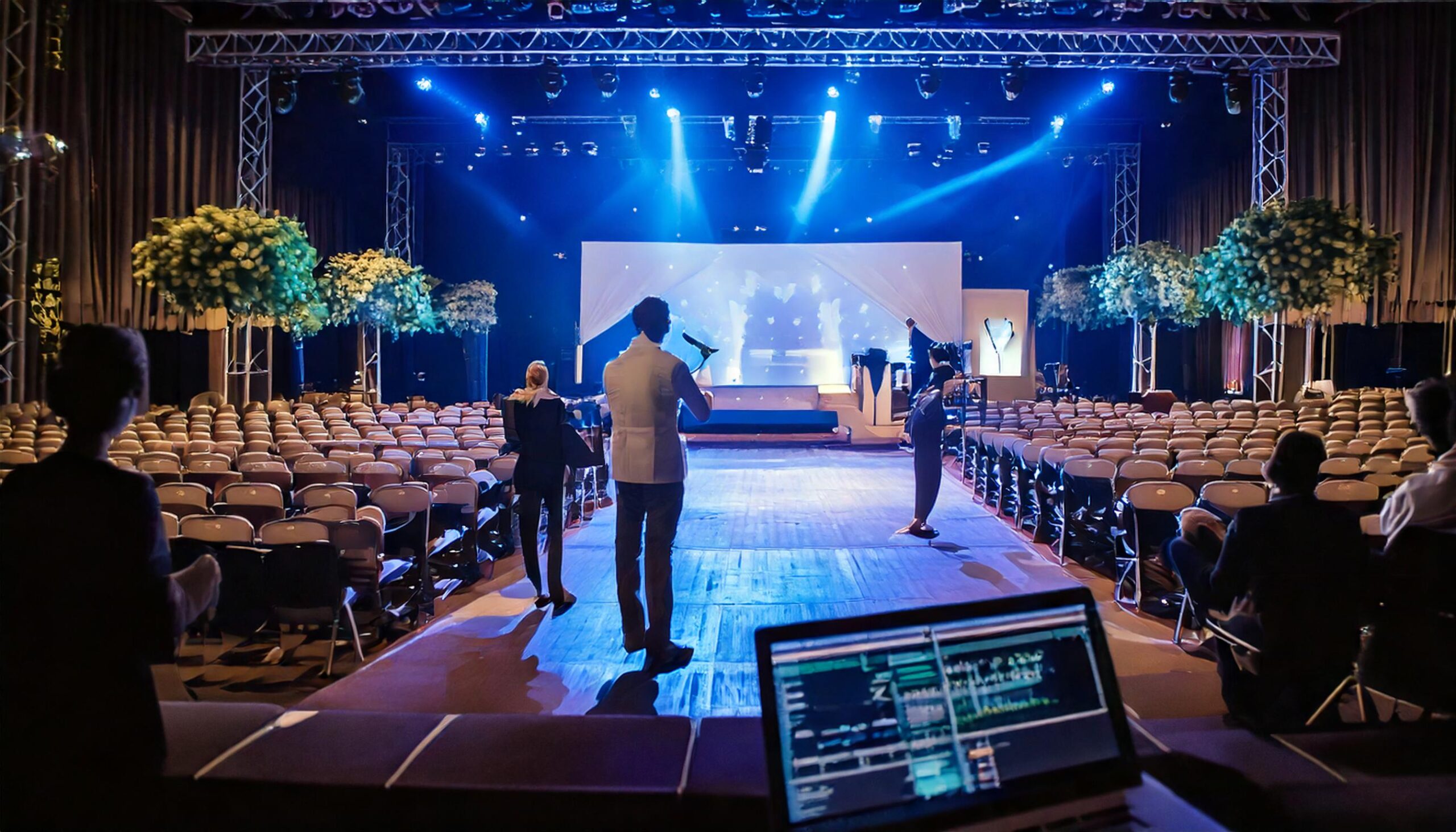
Beam fixtures create narrow shafts that can be seen in air when conditions support them. They are often used for energetic musical moments, entrances or transitions. Their striking effect does not make them suitable as the only light for a stage. Beams generally do little to make a presenter's face clear. Combine them with reliable visibility lighting, then time their movement to the performance. A beam aimed straight into a camera can overwhelm the picture even if it looks dramatic from another seat.
Visible shafts may depend on atmospheric haze, which a venue might restrict. Confirm house rules and safety requirements before including haze in the creative design. Test movement near screens and seating. A good light show considers what is seen by everyone, not just the operator at the desk. For a conference with occasional entertainment, keep the speaker look usable throughout and reserve more dynamic beam cues for sections that actually benefit from them.
DMX in plain language
DMX carries control values to lighting fixtures. Each fixture receives a starting address and uses a number of control channels according to its selected mode. One channel might control brightness, while others control colour, position or effects. The lighting desk sends values to those addresses. If two fixtures share an address unintentionally, they may respond together when separate control was expected. If a fixture is set to the wrong mode, its controls may appear scrambled. The patch must match both the actual fixture setting and the desk configuration.
For a small rig, draw the path from console through data distribution to every fixture and label addresses clearly. Check termination and distribution according to the equipment instructions. DMX control does not supply mains power, so power planning remains separate. Larger systems may distribute control over network protocols before converting it at the rig, but the same principle applies: the operator must know which fixture each control addresses. Verify one fixture at a time before writing complex looks.
Program looks before show day
Build a small set of dependable looks: audience entry, presenter, panel, video playback, entertainment, transition and exit. Then add special cues only where the programme calls for them. Name cues according to the running order, not a mysterious sequence of numbers. Rehearse how quickly fixtures move or change colour; a slow fade can feel elegant in one moment and late in another. Save the show file and keep a documented backup appropriate to the system.
Agree who calls each cue. If a speaker finishes early, the lighting operator needs to know whether the next look waits for a verbal go or follows a timed sequence. Coordinating lighting with audio and video prevents a dramatic blackout while a presenter is still speaking. Have a usable static look available if a network or moving fixture fails. A show can continue with a simpler light state; it cannot continue safely if nobody can see the stage.
Safety, cameras and troubleshooting
Rigging, power and overhead work belong with qualified crews following the venue's rules. Secure cables and keep access routes clear. Review fixture heat, electrical load and permitted mounting points before a rehearsal begins. Check that flashing effects are appropriate for the audience and event context. If a camera sees flicker, test fixture settings with the actual camera frame rate and shutter setup. Do not assume a lighting look is camera-ready because it looks fine to the eye.
If a fixture fails to respond, check power, address, mode and data path in that order. If several fixtures disappear together, investigate shared distribution rather than adjusting every fixture. Keep the patch sheet current when a replacement unit is installed. A short line check before doors should confirm presenter light, safety visibility and critical cues. Once the show starts, record any manual overrides so operators can return to the intended state.
Apply the basics to an Abu Dhabi or Dubai event
A lighting brief should state stage dimensions, programme, presenter movement, camera requirements, venue limits and the moments that need distinct looks. BarCoe Studios' event production services cover stage, sound and light, while its courses page lists training and future workshop interests. The corporate event checklist connects lighting decisions to the rest of a show. For a performer's perspective on stage preparation, see the soundcheck guide. Start with safe, clear visibility, then use colour and motion to serve the event.
Write a short lighting handover
Give the venue and operating crew a concise patch and cue document. Include fixture positions, addresses, console file name, power connections, key looks and the person authorized to approve changes. If another operator takes over, ask them to run the presenter look and one transition before doors open. A diagram or clear photo of the final rig is more useful than a lengthy description written before load-in. Note which fixtures are essential for safe visibility and which only add effects. This helps the team recover an intelligible stage picture if time or equipment becomes limited during the show.
Frequently asked questions
What is a wash light?
A wash covers a broad area with relatively even illumination, useful for general stage coverage or background color.
How is a spot different from a beam?
A spot defines an area or subject. A beam makes a narrower visible shaft, often used as an effect rather than primary face lighting.
What does DMX control?
DMX carries control values for fixture functions such as intensity, color and movement. Each unit needs the correct address and mode.
Will stage lights work for video automatically?
No. Test faces, color, contrast and possible flicker using the actual camera setup before the event.
What lighting cues should be prepared first?
Start with reliable entry, presenter, panel, playback, entertainment and exit looks. Add special cues when the programme calls for them.
Explore BarCoe Studios' workshops or discuss lighting within an event production brief.