

Blog / Uncategorized
Product Photography for Dubai E-commerce
Product photography for a Dubai e-commerce brand starts with a product list, a clear channel plan and a repeatable visual standard. A clean image can show shape and material; a detail view can answer a buyer's question; a contextual photograph can show scale or use. Planning those roles before the shoot saves time and keeps an online catalogue consistent. The right setup depends on the objects themselves, the site's image rules and whether the photographs must also work for ads, social posts or printed material.
Define the images the shop actually needs
List each product, variant, colour and size that will be sold. Record whether multiple items share identical packaging or whether every variant needs a separate photograph. Review the requirements of your own website and any marketplace where the images will appear. One channel may require a plain background, while a campaign banner may need negative space for copy added later. Ask the person managing the online store what proportions and file dimensions the product pages use. Do not crop a finished shoot blindly to fit an unplanned layout.
For each product, identify a useful sequence: main view, alternate angle, detail, scale and context where relevant. A buyer considering a textured fabric needs a close view; someone comparing a bottle size needs a reliable sense of scale. Photograph what is included with the item rather than styling in accessories that might imply they come in the box. Agree on how packaging, labels and reflective surfaces will appear. Good images reduce ambiguity instead of merely decorating a page.
Build a shot list around variations
Make a spreadsheet with product identifiers that match the inventory system. Include image type, orientation, colour, required props and priority. Flag fragile items or products that require assembly. A numbered shot list lets the photographer, stylist and store team work from the same reference. It also makes it easier to identify a missing angle before the set is dismantled. In Dubai, a brand may need imagery for Arabic and English campaigns; leaving open space in compositions gives the design team flexibility without baking words into the photograph.
Group products by lighting and set requirements rather than switching equipment for every item. Clear glass, polished metal and matte fabric respond differently to light. Shoot all items using one setup before resetting the backdrop, as long as the results stay accurate. When products come in many colours, lock framing and camera position so the catalogue feels consistent. Test one complete product first, including the final crop, before committing a full day to a setup that does not work on the shop page.
Prepare the objects before they reach the camera
Clean and inspect every product. Fingerprints on a glossy box and loose threads on clothing consume retouching time later. Bring duplicate packaging when a box can be damaged while opening it. Keep labels square and verify that the product is the correct colour and specification for the listing. A photographer can correct lighting, but should not be expected to invent a missing variant. Appoint someone from the brand to confirm details on set, especially for technical or regulated products whose features must be represented accurately.
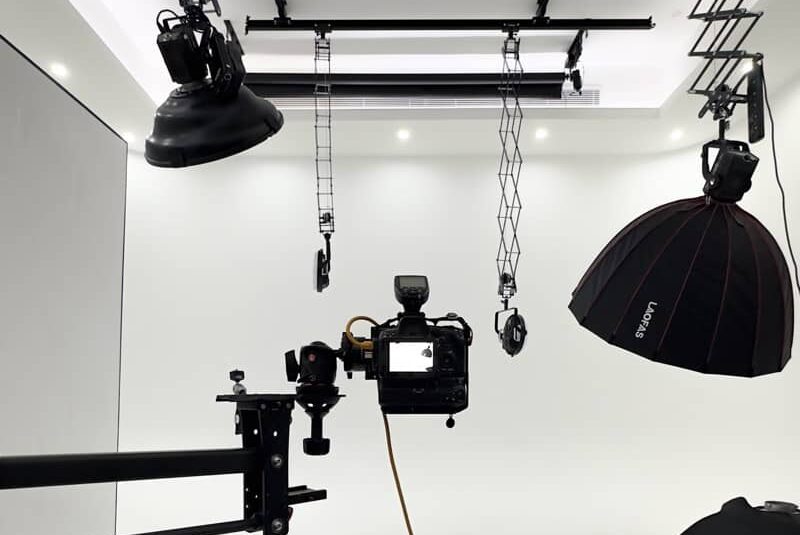
Pack a simple preparation kit suited to the items: cloths, gloves, lint tools, safe supports and approved props. Keep the product inventory separated from staging materials to avoid sending the wrong sample back into saleable stock. Document which sample belongs to which catalogue ID. If a shoot takes place at a Dubai office or warehouse rather than a studio, confirm access to power, a clean workspace and a controlled surface. The set needs space around lights and camera, not merely enough room for the product itself.
Shape light for material and accuracy
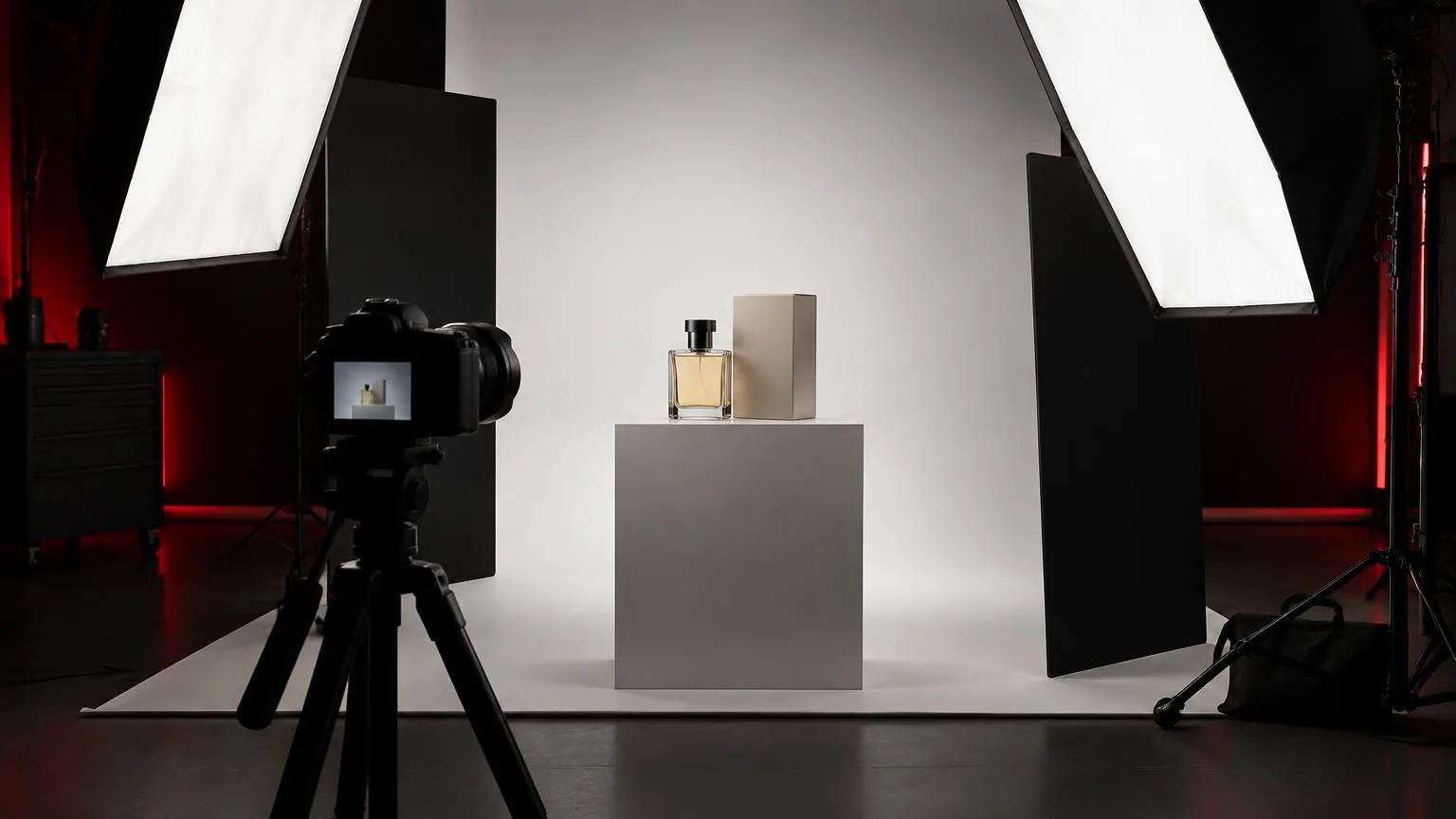
A large soft light can create smooth transitions on many products, but reflective objects may need carefully placed diffusion and black flags to define their edges. A white object against a white background needs separation without making it look grey. Fabric needs light that reveals texture without changing its colour. Test lighting with an actual sample rather than assuming a general setup will suit an entire catalogue. A reference image approved on a calibrated display helps the brand explain what matters about the material.
Watch for reflections of equipment, room windows and nearby people. A small adjustment to the product angle may solve a glare problem more naturally than extensive retouching. Keep shadows consistent across a product family, and check details at the resolution buyers will see. A beautifully lit close-up is less useful if the label becomes unreadable when displayed as a shop thumbnail. Use the product's real appearance as the anchor; lighting should clarify its design, not mislead customers about finish or colour.
Plan composition for mobile and campaign use
Many buyers first see a product in a narrow mobile column. Make the main product large enough to read there, and inspect thumbnails before finalizing a wide shot. Leave breathing room around the object so the online store can crop safely. For lifestyle imagery, choose props that support the product's use rather than overwhelm it. A fragrance can be shown with restrained materials and controlled reflections; a food product may need fresh styling and careful timing. Avoid relying on a single dramatic frame to answer every commercial question.
Ask the design team whether it needs landscape banners, square catalogue crops and vertical social versions. Those are different compositions, even when made on the same set. Photographing extra room around the subject can help, but a vertical placement may need a separate angle or prop arrangement. State the intended uses during planning. That avoids discovering after the shoot that the strongest image has a light stand in the area where campaign copy must go.
Review and deliver without losing track
Select files using product identifiers, not only camera sequence numbers. Review focus, colour, dust, reflections and accurate packaging details at full size. Agree what retouching means: basic cleanup and consistent exposure are different from changing product shape or substituting a feature. If a marketplace has rules for a plain background, produce a compliant image separately from more expressive campaign work. Export in the file formats and dimensions the site actually accepts, and keep a high-quality approved master for later uses.
Use descriptive filenames that connect assets back to the product catalogue. Keep the approved selection together with a contact sheet so a future editor knows which views belong to each item. Test several images on the live product-page layout before approving the entire batch. The goal is a reliable shopping experience, not an oversized folder of attractive but unassigned pictures. Check whether the site handles compression itself, and avoid repeatedly exporting and recompressing the same file.
Choose a practical photography workflow in the UAE
Decide whether to move products to a studio or bring equipment to the business. Small objects may be easier to control in a studio; large, delicate or numerous items may justify an on-location setup. BarCoe Studios has a photo studio in Abu Dhabi and describes on-location photography across the UAE. Its photo production service and Dubai photography page explain those options. Before enquiring, provide product counts, sample dimensions, channel requirements and intended usage so a suitable plan can be discussed.
For a broader decision on studio location and photographic direction, read choosing between Abu Dhabi and Dubai studios. The earlier Dubai studio selection guide covers portfolio and equipment questions. A useful shoot brief should still begin with your actual catalogue, not with a city label or a trend. Clear requirements let a photographer choose the set and lighting that make the product understandable to buyers.
Prepare products for a predictable shoot
Give each item a reference code that matches the shot list and the e-commerce catalog. Inspect packaging, fingerprints and labels before it reaches the set; reflective surfaces reveal small marks under studio lighting. Photograph a representative product first, review it at the size a shopper will actually see, then confirm that its colour and material read accurately. Use the approved example as the reference for later items rather than improvising each frame. Record any damaged sample or unavailable variant in the handover. This reduces the risk of discovering at upload time that a required product angle is missing or that a photograph shows the wrong color.
Frequently asked questions
What product photos does an online store need?
Start with consistent main views, then add details, scale and contextual images that answer buyer questions. Match crops and backgrounds to the sales channels.
Should every item use the same lighting?
Use a repeatable setup for consistent catalog images, then adjust carefully for reflective, transparent or textured materials.
What should I send to a product photographer?
Provide a product and variant list, visual references, channel specifications, required angles, deadlines and any handling instructions.
Can one photograph work for every platform?
Sometimes, but square listings, wide banners and mobile layouts often need different crops. Plan enough space around the product for each use.
How do I check final product images?
Review color, detail, scale, retouching consistency and file naming against the actual product and the platform requirements.
Plan catalogue and campaign photographs with BarCoe Studios' photo production team.